Level 5 · Layers & Replacements
Layer system
Several continuous effects apply to one object. In which order does the game apply them?
Keys A to D or click. No time limit.
Seven layers, always in this order: 1 copy, 2 control, 3 text, 4 type, 5 color, 6 abilities, 7 power and toughness. Timestamps only decide within a layer. Mnemonic: first what the object is (copy), who controls it, what is written on it, its type and color, what it can do, how big it is.
613.1The values of an object’s characteristics are determined by starting with the actual object. For a card, that means the values of the characteristics printed on that card. For a token or a copy of a spell or card, that means the values of the characteristics defined by the effect that created it. Then all applicable continuous effects are applied in a series of layers in the following order:
613.1aLayer 1: Rules and effects that modify copiable values are applied.
613.1bLayer 2: Control-changing effects are applied.
613.1cLayer 3: Text-changing effects are applied. See rule 612, “Text-Changing Effects.”
613.1dLayer 4: Type-changing effects are applied. These include effects that change an object’s card type, subtype, and/or supertype.
613.1eLayer 5: Color-changing effects are applied.
613.1fLayer 6: Ability-adding effects, keyword counters, ability-removing effects, and effects that say an object can’t have an ability are applied.
613.1gLayer 7: Power- and/or toughness-changing effects are applied.
Cards involved
Layer system
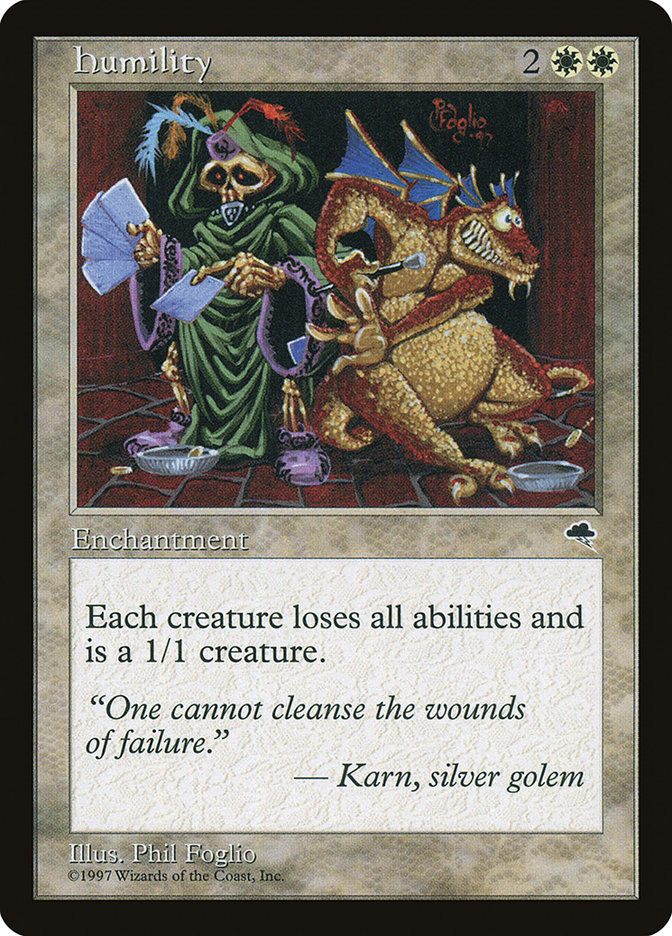
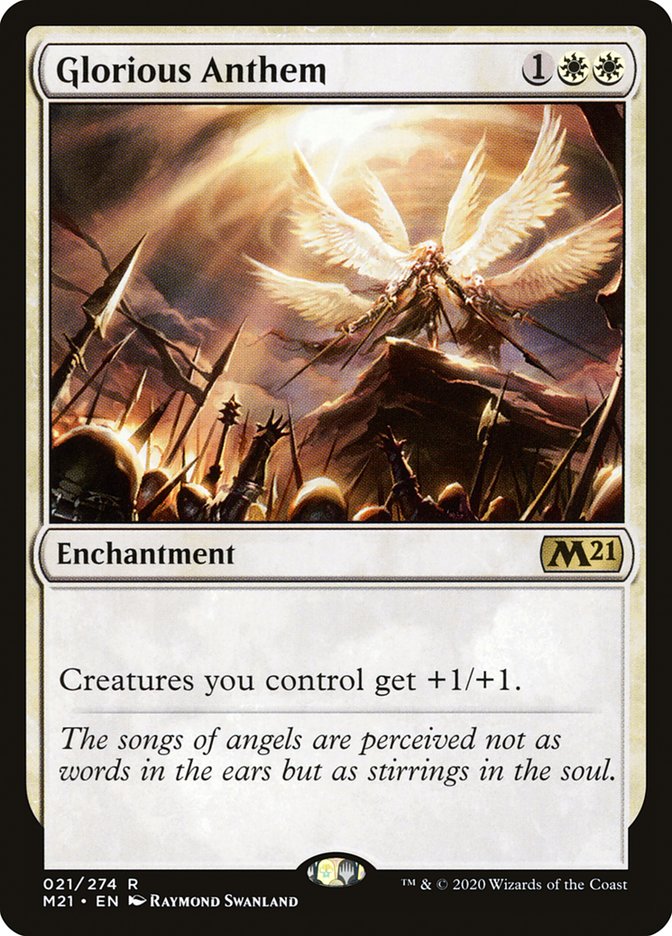
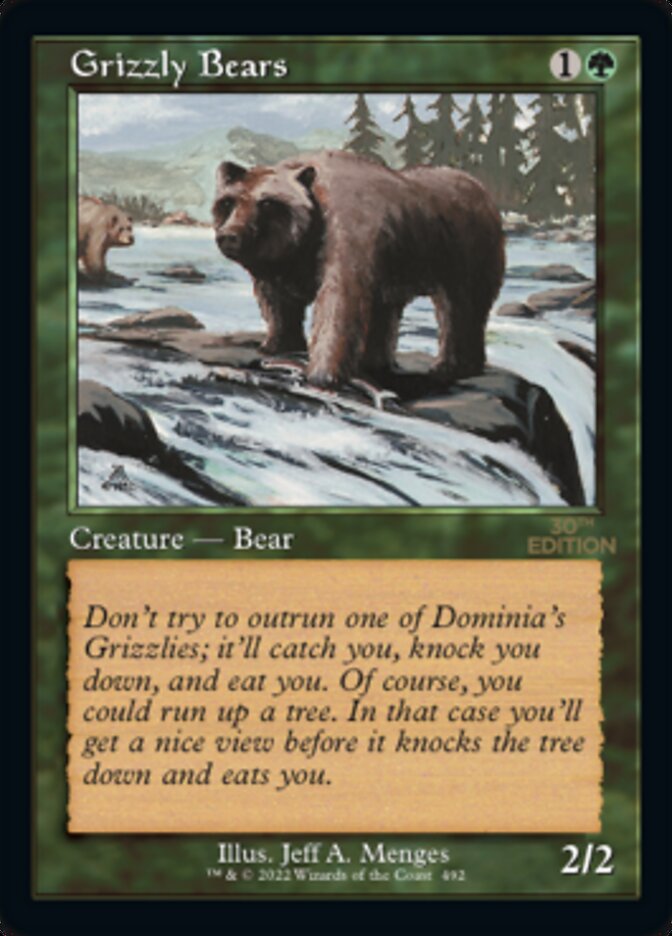
Humility ("All creatures lose all abilities and have base power and toughness 1/1") and your Glorious Anthem ("Creatures you control get +1/+1") are on the battlefield. How big are your Grizzly Bears?
Keys A to D or click. No time limit.
Setting effects (7b) always come before plus/minus effects (7c), no matter which was there first. Anthem is not a creature and loses nothing to Humility. Result: 2/2 with no abilities, in either timestamp order.
613.4bLayer 7b: Effects that set power and/or toughness to a specific number or value are applied. Effects that refer to the base power and/or toughness of a creature apply in this layer.
613.4cLayer 7c: Effects and counters that modify power and/or toughness (but don’t set power and/or toughness to a specific number or value) are applied.
613.1fLayer 6: Ability-adding effects, keyword counters, ability-removing effects, and effects that say an object can’t have an ability are applied.
Cards involved

Layer system
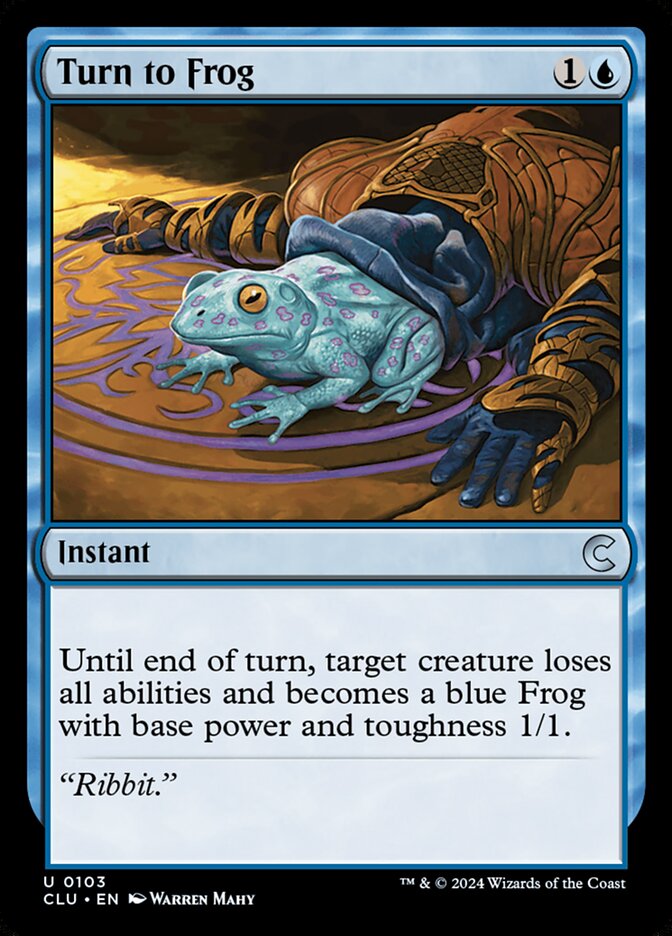
You cast Giant Growth on Grizzly Bears, making them 5/5. Then your opponent casts Turn to Frog on them ("loses all abilities and becomes a blue Frog with base power and toughness 1/1"). How big is the Frog?
Keys A to D or click. No time limit.
7b before 7c. A pump therefore applies "through" a setting effect, regardless of the order in which the spells resolved. Turn to Frog in response to a pump does not make the creature a 1/1. Abilities, however, are gone (layer 6): if the Bears had flying, the Frog would be grounded.
613.4bLayer 7b: Effects that set power and/or toughness to a specific number or value are applied. Effects that refer to the base power and/or toughness of a creature apply in this layer.
613.4cLayer 7c: Effects and counters that modify power and/or toughness (but don’t set power and/or toughness to a specific number or value) are applied.
613.5The application of continuous effects as described by the layer system is continually and automatically performed by the game. All resulting changes to an object’s characteristics are instantaneous.
613.1fLayer 6: Ability-adding effects, keyword counters, ability-removing effects, and effects that say an object can’t have an ability are applied.
Cards involved

Layer system
Tarmogoyf ("power equal to the number of card types among cards in all graveyards, toughness equal to that number plus 1") sits next to Humility. There are four card types in graveyards. How big is Tarmogoyf?
Keys A to D or click. No time limit.
Characteristic-defining abilities apply in 7a and are overridden by setting effects in 7b. Because Humility removes the ability in layer 6, it never gets applied in 7a at all. Humility then sets 1/1 in 7b. Whichever way you compute it: 1/1 with no abilities. The trainer shows that such abilities otherwise work in all zones.
613.4aLayer 7a: Effects from characteristic-defining abilities that define power and/or toughness are applied. See rule 604.3.
613.4bLayer 7b: Effects that set power and/or toughness to a specific number or value are applied. Effects that refer to the base power and/or toughness of a creature apply in this layer.
604.3Some static abilities are characteristic-defining abilities. A characteristic-defining ability conveys information about an object’s characteristics that would normally be found elsewhere on that object (such as in its mana cost, type line, or power/toughness box). Characteristic-defining abilities can add to or override information found elsewhere on that object. Characteristic-defining abilities function in all zones. They also function outside the game and before the game begins.
613.1fLayer 6: Ability-adding effects, keyword counters, ability-removing effects, and effects that say an object can’t have an ability are applied.
Cards involved
Layer system
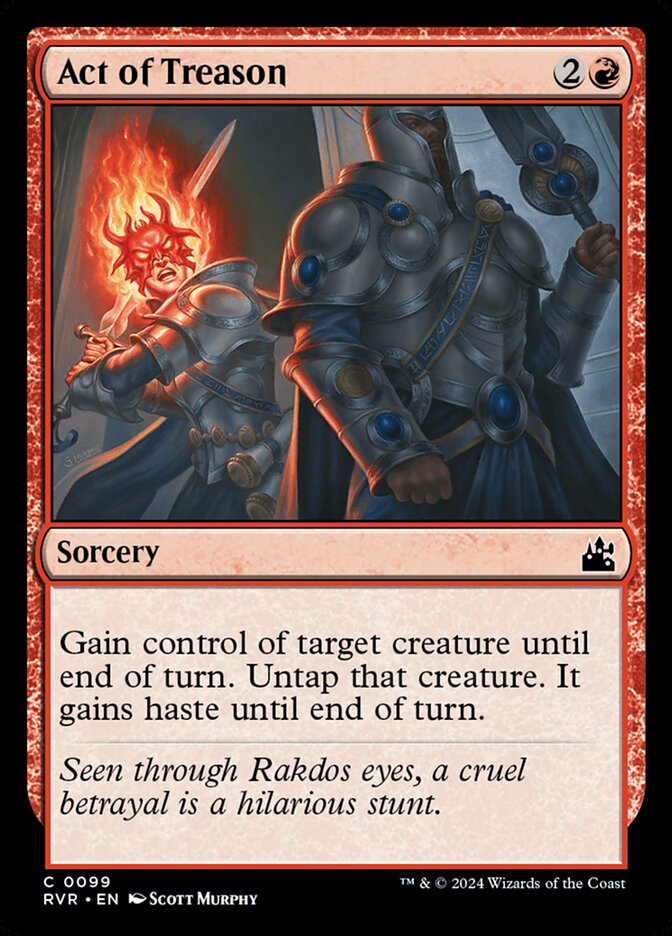
You cast Act of Treason on your opponent's Grizzly Bears ("Gain control of target creature until end of turn. Untap that creature. It gains haste until end of turn."). How does the layer system sort this single effect?
Keys A to D or click. No time limit.
One effect can split into parts applied in different layers, always to the same set of objects. One-shot effects such as untapping, damage or zone changes have no layer; they happen on resolution and are then over. Only what keeps applying afterwards (control, haste) is a continuous effect.
613.6If an effect should be applied in different layers and/or sublayers, the parts of the effect each apply in their appropriate ones. If an effect starts to apply in one layer and/or sublayer, it will continue to be applied to the same set of objects in each other applicable layer and/or sublayer, even if the ability generating the effect is removed during this process.
610.1A one-shot effect does something just once and doesn’t have a duration. Examples include dealing damage, destroying a permanent, creating a token, and moving an object from one zone to another.
611.2A continuous effect may be generated by the resolution of a spell or ability.
Cards involved
Timestamps & dependencies
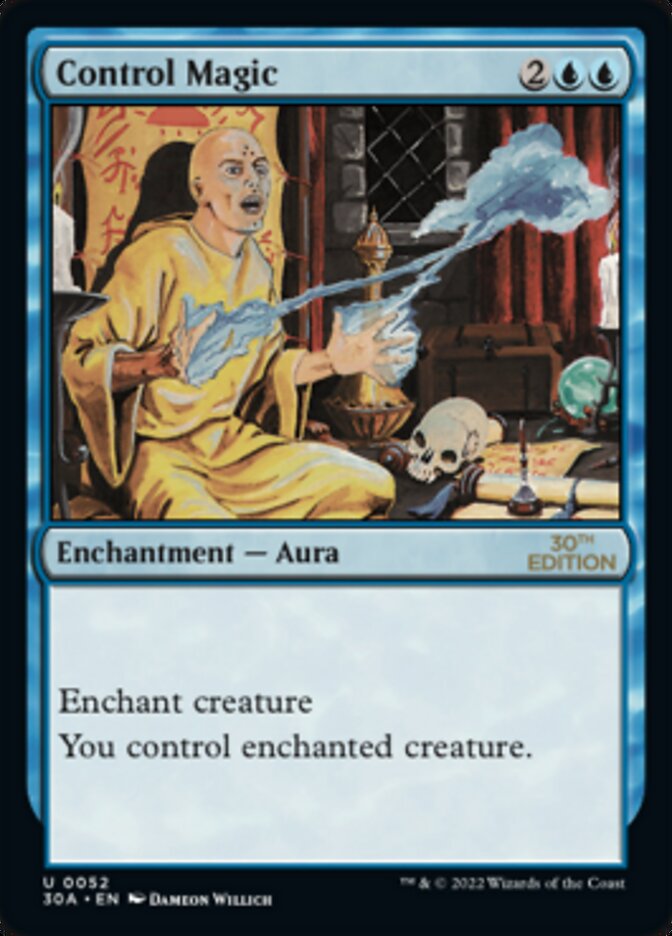
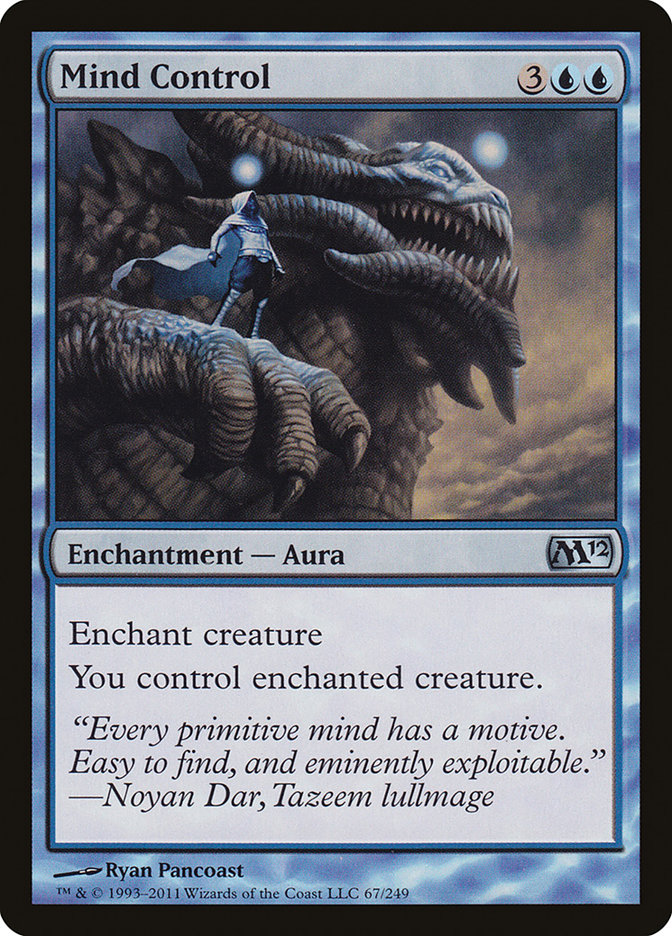
You put Control Magic on your opponent's Grizzly Bears. Later your opponent puts Mind Control on the same Bears ("You control enchanted creature"). Who controls the Bears?
Keys A to D or click. No time limit.
Within a layer, the later timestamp overrides the earlier one. Auras get their timestamp when they become attached. Both Auras remain legally attached. If you later attach a third control Aura, you get the Bears back.
613.7Within a layer or sublayer, determining which order effects are applied in is usually done using a timestamp system. An effect with an earlier timestamp is applied before an effect with a later timestamp.
613.7eAn Aura, Equipment, or Fortification receives a new timestamp each time it becomes attached to an object or player.
613.1bLayer 2: Control-changing effects are applied.
Cards involved
Timestamps & dependencies
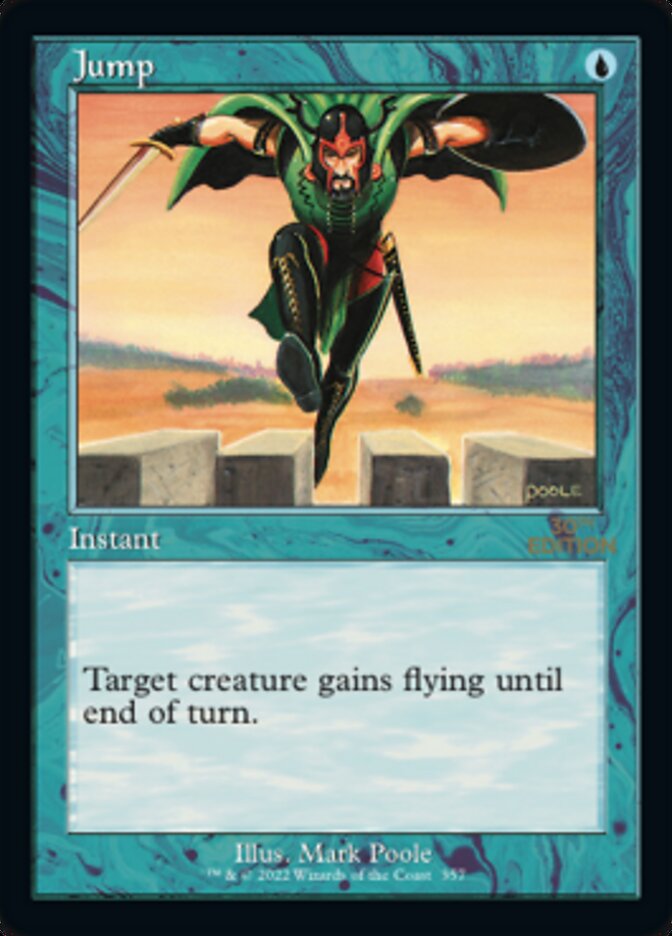
Humility has been on the battlefield for two turns. You now cast Jump on your Grizzly Bears ("gains flying until end of turn"). Do the Bears fly?
Keys A to D or click. No time limit.
"Loses all abilities" is not "can't have abilities"; it is an ordinary layer 6 effect with a timestamp. The Comprehensive Rules use exactly this case as an example: "has flying" versus "loses flying", no dependency, the later one wins. Jump grants flying only, nothing else.
613.7Within a layer or sublayer, determining which order effects are applied in is usually done using a timestamp system. An effect with an earlier timestamp is applied before an effect with a later timestamp.
613.7bA continuous effect generated by the resolution of a spell or ability receives a timestamp at the time it’s created.
613.9One continuous effect can override another. Sometimes the results of one effect determine whether another effect applies or what another effect does.
613.1fLayer 6: Ability-adding effects, keyword counters, ability-removing effects, and effects that say an object can’t have an ability are applied.
Timestamps & dependencies
When does a continuous effect depend on another and is therefore applied after it, regardless of its timestamp?
Keys A to D or click. No time limit.
Three conditions: same layer and sublayer; the other effect would change the text, existence, scope or result of the first; and it is not the case that exactly one of them is a characteristic-defining ability. Then the dependent effect waits until the other has been applied. If effects form a loop, timestamps apply again.
613.8Within a layer or sublayer, determining which order effects are applied in is sometimes done using a dependency system. If a dependency exists, it will override the timestamp system.
613.8aAn effect is said to “depend on” another if (a) it’s applied in the same layer (and, if applicable, sublayer) as the other effect; (b) applying the other would change the text or the existence of the first effect, what it applies to, or what it does to any of the things it applies to; and (c) neither effect is from a characteristic-defining ability or both effects are from characteristic-defining abilities. Otherwise, the effect is considered to be independent of the other effect.
613.8bAn effect dependent on one or more other effects waits to apply until just after all of those effects have been applied. If multiple dependent effects would apply simultaneously in this way, they’re applied in timestamp order relative to each other. If several dependent effects form a dependency loop, then this rule is ignored and the effects in the dependency loop are applied in timestamp order.
Cards involved
Timestamps & dependencies
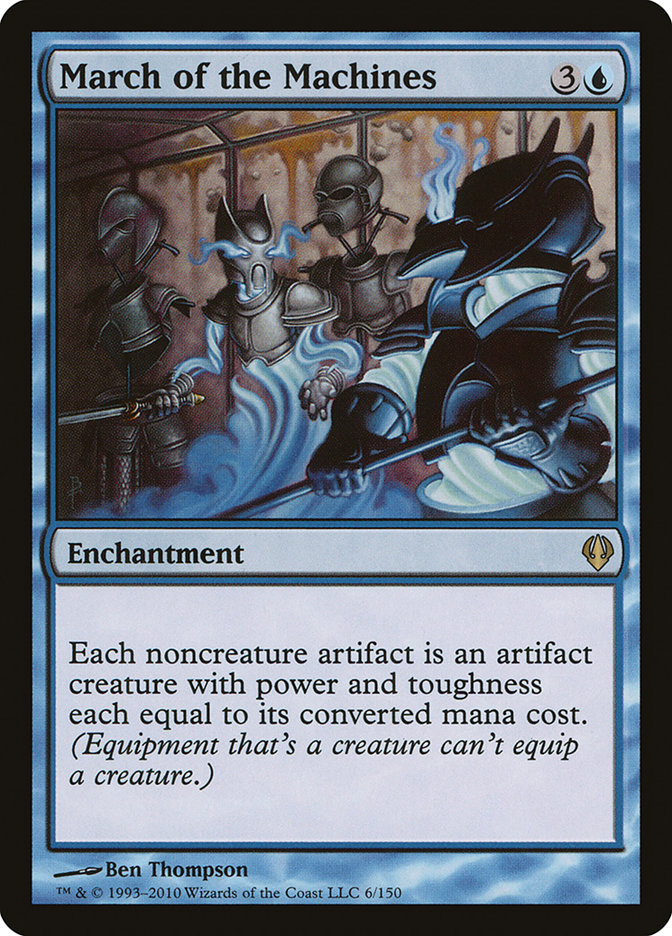
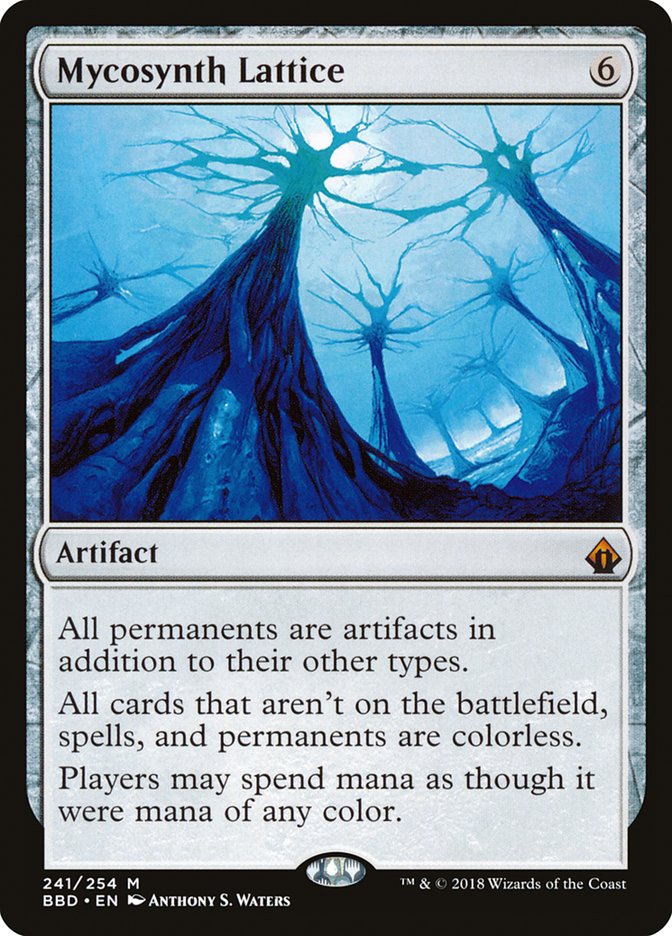
You control March of the Machines ("Each noncreature artifact is an artifact creature with power and toughness each equal to its mana value"). Afterwards your opponent casts Mycosynth Lattice ("All permanents are artifacts in addition to their other types"). What happens to your lands?
Keys A to D or click. No time limit.
A classic dependency in layer 4. Lattice turns lands into artifacts, so March catches them: artifact creature with mana value 0, hence 0/0, and that is a state-based action regeneration cannot help against. All players are affected. Lattice itself becomes a 6/6, March a 4/4, since Lattice makes it an artifact.
613.8aAn effect is said to “depend on” another if (a) it’s applied in the same layer (and, if applicable, sublayer) as the other effect; (b) applying the other would change the text or the existence of the first effect, what it applies to, or what it does to any of the things it applies to; and (c) neither effect is from a characteristic-defining ability or both effects are from characteristic-defining abilities. Otherwise, the effect is considered to be independent of the other effect.
613.8bAn effect dependent on one or more other effects waits to apply until just after all of those effects have been applied. If multiple dependent effects would apply simultaneously in this way, they’re applied in timestamp order relative to each other. If several dependent effects form a dependency loop, then this rule is ignored and the effects in the dependency loop are applied in timestamp order.
704.5fIf a creature has toughness 0 or less, it’s put into its owner’s graveyard. Regeneration can’t replace this event.
613.1dLayer 4: Type-changing effects are applied. These include effects that change an object’s card type, subtype, and/or supertype.
Cards involved
Timestamps & dependencies
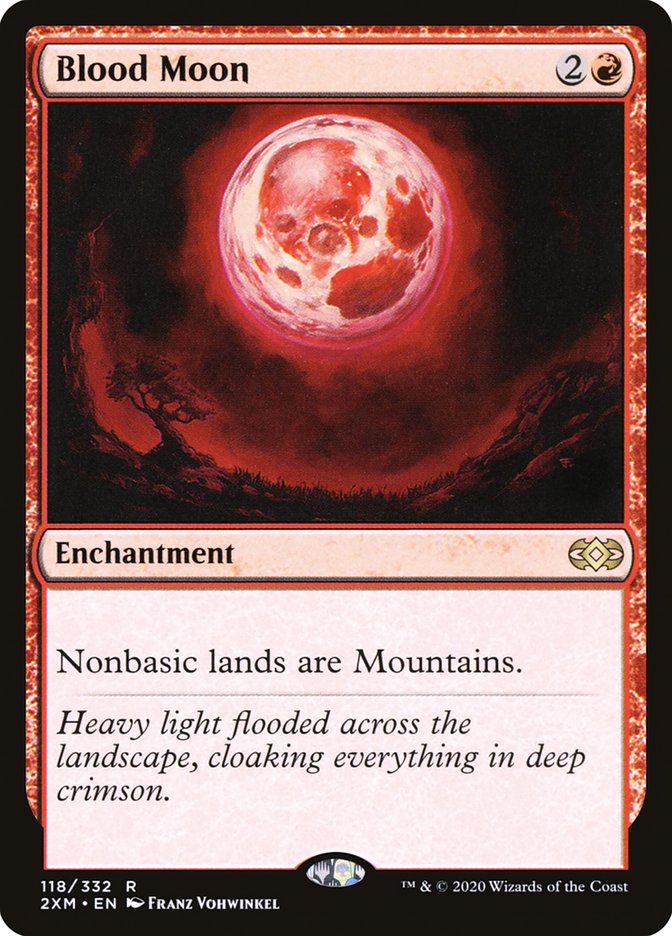
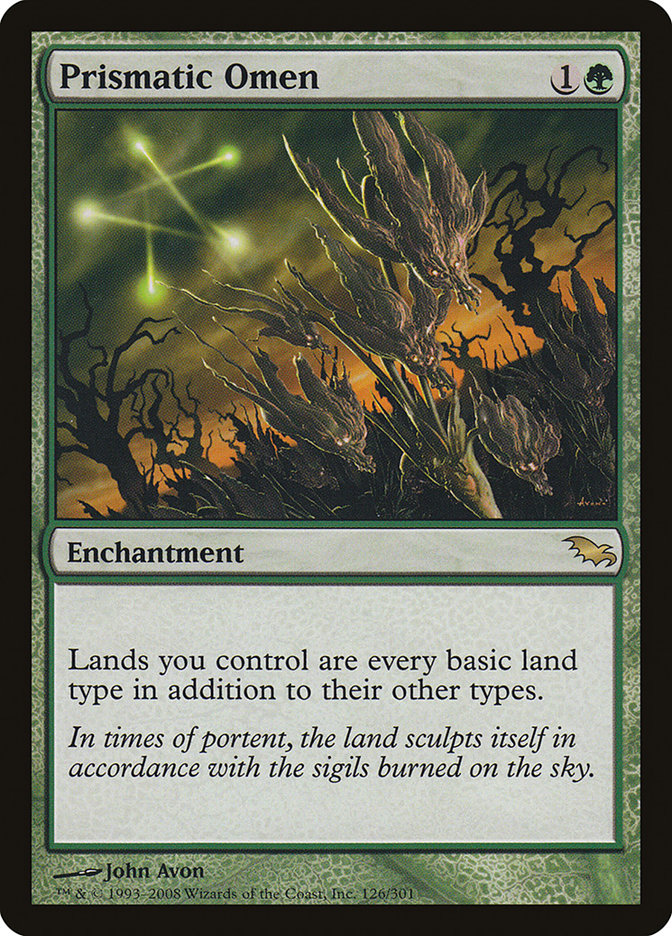
Your opponent controls Blood Moon ("Nonbasic lands are Mountains"). You then cast Prismatic Omen ("Lands you control are every basic land type in addition to their other types"). What are your nonbasic lands now?
Keys A to D or click. No time limit.
Dependency check: does Blood Moon change what Omen applies to? No, lands remain lands. Does Omen change what Blood Moon applies to? No, "basic" is a supertype and stays. So timestamps. Note: Blood Moon strips the lands of their rules-text abilities, and Omen does not give those back, only the mana abilities of the land types. Counterexample: Blood Moon and Urborg (in the trainer) are a real dependency, because Blood Moon removes Urborg's ability.
613.8aAn effect is said to “depend on” another if (a) it’s applied in the same layer (and, if applicable, sublayer) as the other effect; (b) applying the other would change the text or the existence of the first effect, what it applies to, or what it does to any of the things it applies to; and (c) neither effect is from a characteristic-defining ability or both effects are from characteristic-defining abilities. Otherwise, the effect is considered to be independent of the other effect.
613.7Within a layer or sublayer, determining which order effects are applied in is usually done using a timestamp system. An effect with an earlier timestamp is applied before an effect with a later timestamp.
305.7If an effect sets a land’s subtype to one or more of the basic land types, the land no longer has its old land type. It loses all abilities generated from its rules text, its old land types, and any copiable effects affecting that land, and it gains the appropriate mana ability for each new basic land type. Note that this doesn’t remove any abilities that were granted to the land by other effects. Setting a land’s subtype doesn’t add or remove any card types (such as creature) or supertypes (such as basic, legendary, and snow) the land may have. If a land gains one or more land types in addition to its own, it keeps its land types and rules text, and it gains the new land types and mana abilities.
613.1dLayer 4: Type-changing effects are applied. These include effects that change an object’s card type, subtype, and/or supertype.
Cards involved
Replacement effects
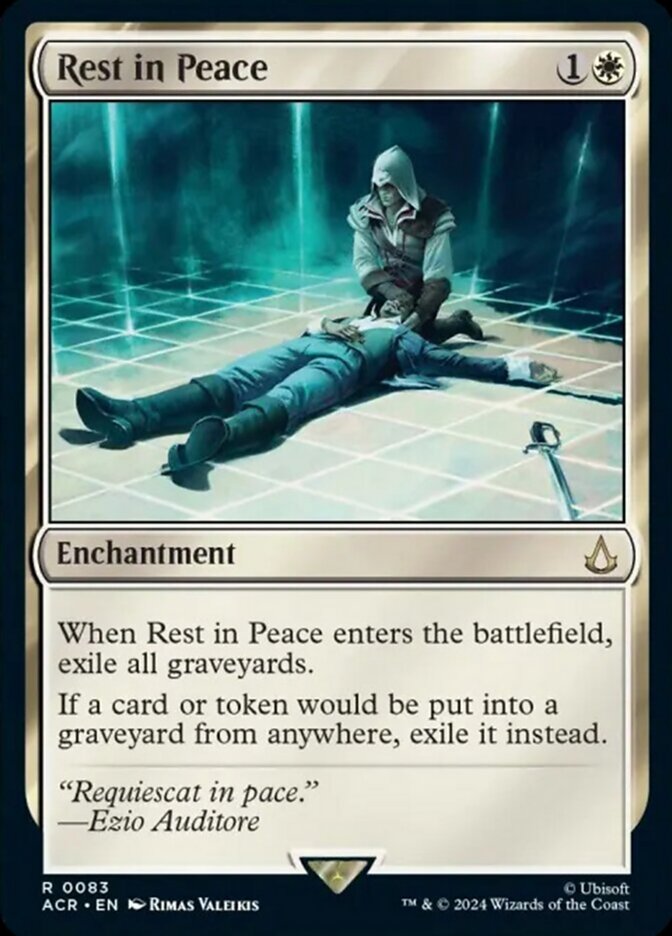
Rest in Peace is on the battlefield ("If a card or token would be put into a graveyard from anywhere, exile it instead"). What characterizes such a replacement effect?
Keys A to D or click. No time limit.
Replacement effects are continuous effects that wait for an event like a shield. You can respond only while the spell creating the effect is still on the stack. Because the card never reaches the graveyard, "dies" triggers do not trigger (see the trainer). Nothing works retroactively, which is why Rest in Peace also has an enters-the-battlefield ability that empties the graveyards.
614.1Some continuous effects are replacement effects. Like prevention effects (see rule 615), replacement effects apply continuously as events happen—they aren’t locked in ahead of time. Such effects watch for a particular event that would happen and completely or partially replace that event with a different event. They act like “shields” around whatever they’re affecting.
614.1aEffects that use the word “instead” are replacement effects. Most replacement effects use the word “instead” to indicate what events will be replaced with other events.
614.1cEffects that read “[This permanent] enters with . . . ,” “As [this permanent] enters . . . ,” or “[This permanent] enters as . . . “ are replacement effects.
614.4Replacement effects must exist before the appropriate event occurs—they can’t “go back in time” and change something that’s already happened. Spells or abilities that generate these effects are often cast or activated in response to whatever would produce the event and thus resolve before that event would occur.
614.6If an event is replaced, it never happens. A modified event occurs instead, which may in turn trigger abilities. Note that the modified event may contain instructions that can’t be carried out, in which case the impossible instruction is simply ignored.
Cards involved
Replacement effects
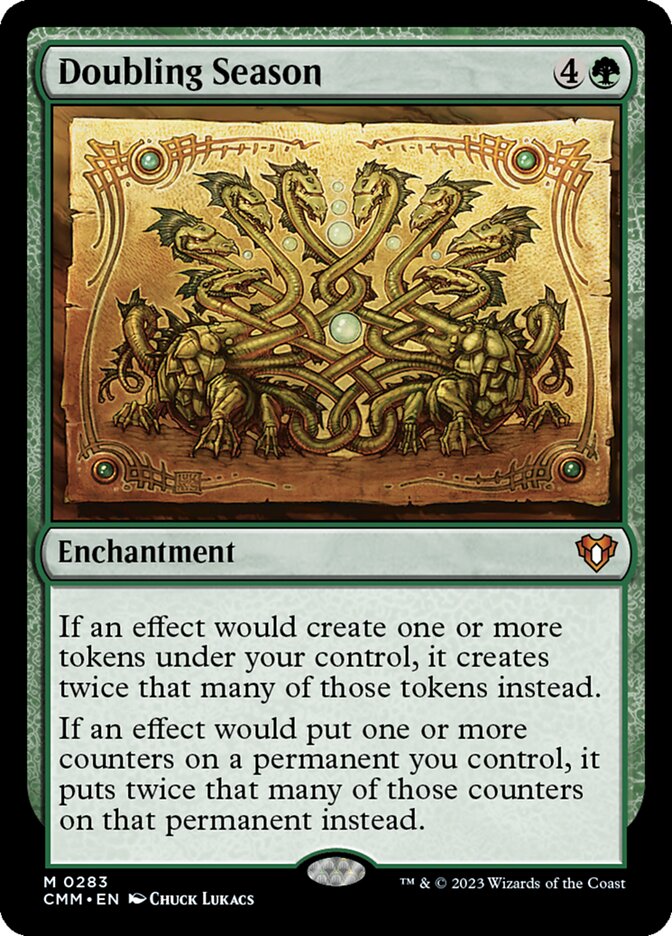
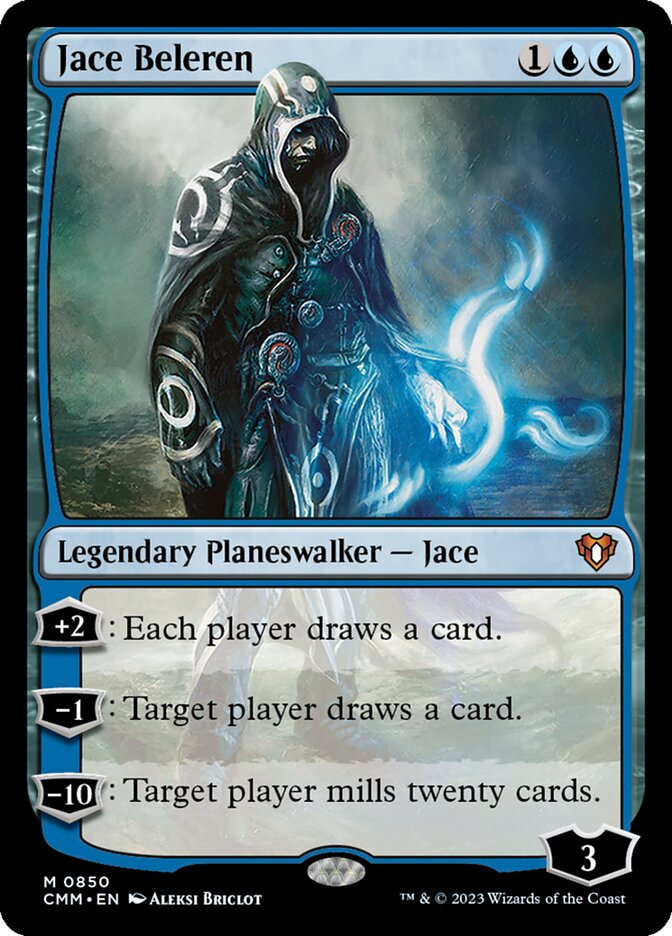
You control Doubling Season ("If an effect would put one or more counters on a permanent you control, it puts twice that many of those counters on that permanent instead"). You cast Jace Beleren (loyalty 3) and immediately activate his +2 ability. How many loyalty counters does Jace have afterwards?
Keys A to D or click. No time limit.
Every planeswalker has the built-in ability "enters with a number of loyalty counters equal to its printed loyalty", and that is a replacement effect. Doubling Season also applies when another replacement effect puts the counters there. Loyalty costs, on the other hand, are paid by you; no effect puts them there. The Scryfall ruling of 2024-11-08 confirms both.
306.5bA planeswalker has the intrinsic ability “This permanent enters with a number of loyalty counters on it equal to its printed loyalty number.” This ability creates a replacement effect (see rule 614.1c).
614.1cEffects that read “[This permanent] enters with . . . ,” “As [this permanent] enters . . . ,” or “[This permanent] enters as . . . “ are replacement effects.
614.16Some replacement effects apply “if an effect would create one or more tokens” or “if an effect would put one or more counters on a permanent.” These replacement effects apply if the effect of a resolving spell or ability creates a token or puts a counter on a permanent, and they also apply if another replacement or prevention effect does so, even if the original event being modified wasn’t itself an effect.
606.4The cost to activate a loyalty ability of a permanent is to put on or remove from that permanent a certain number of loyalty counters, as shown by the loyalty symbol in the ability’s cost. This cost may be modified by other effects.
Cards involved
Replacement effects
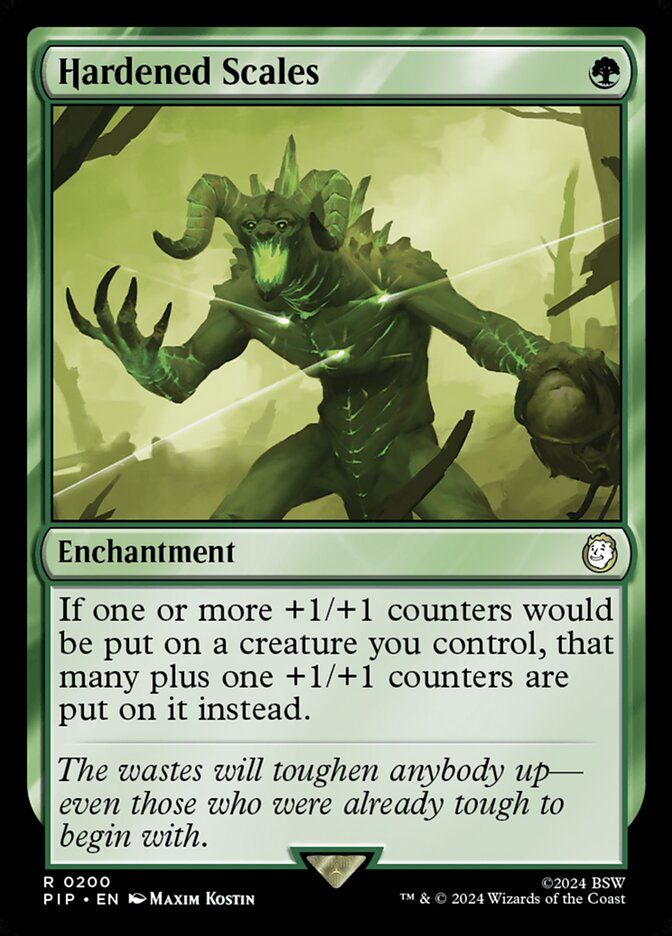
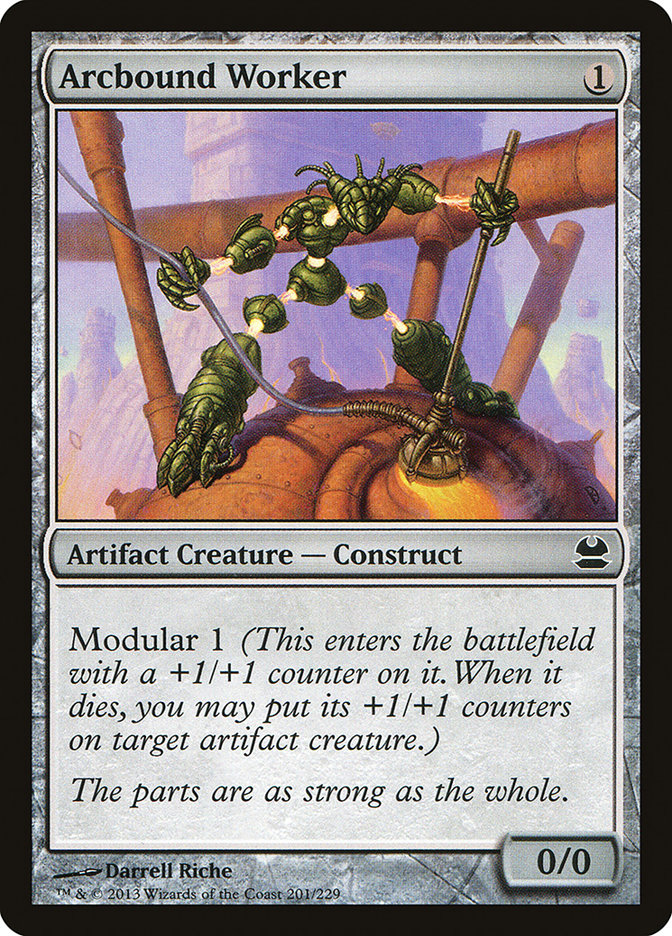
You control Hardened Scales ("If one or more +1/+1 counters would be put on a creature you control, that many plus one +1/+1 counters are put on it instead"). You cast Arcbound Worker (0/0, modular 1: "enters with a +1/+1 counter on it"). How does it arrive?
Keys A to D or click. No time limit.
As a permanent enters, all applicable replacement effects are applied before it is on the battlefield, including outside ones like Hardened Scales (ruling of 2023-09-01). There is no moment at which it is 0/0. Hardened Scales is not a trigger; it does not trigger anything.
614.1cEffects that read “[This permanent] enters with . . . ,” “As [this permanent] enters . . . ,” or “[This permanent] enters as . . . “ are replacement effects.
614.12Some replacement effects modify how a permanent enters the battlefield. (See rules 614.1c–d.) Such effects may come from the permanent itself if they affect only that permanent (as opposed to a general subset of permanents that includes it). They may also come from other sources. To determine which replacement effects apply and how they apply, check the characteristics of the permanent as it would exist on the battlefield, taking into account replacement effects that have already modified how it enters the battlefield (see rule 616.1), continuous effects from the permanent’s own static abilities that would apply to it once it’s on the battlefield, and continuous effects that already exist and would apply to the permanent.
702.43aModular represents both a static ability and a triggered ability. “Modular N” means “This permanent enters with N +1/+1 counters on it” and “When this permanent is put into a graveyard from the battlefield, you may put a +1/+1 counter on target artifact creature for each +1/+1 counter on this permanent.”
122.6Some spells and abilities refer to counters being put on an object. This refers to putting counters on that object while it’s on the battlefield and also to an object that’s given counters as it enters the battlefield.
Cards involved

Replacement effects
Your Grizzly Bears are blocking. Your opponent casts Doom Blade on them. You respond with Regenerate ("Regenerate target creature"). What happens when Doom Blade resolves?
Keys A to D or click. No time limit.
Regeneration is a replacement effect for "is destroyed": destruction by a spell, by lethal damage or by deathtouch can be replaced. It cannot replace sacrifice, toughness 0 or less, exile, or "can't be regenerated" (Wrath of God). The shield must exist before the destruction, so cast it in response, not afterwards.
614.8Regeneration is a destruction-replacement effect. The word “instead” doesn’t appear on the card but is implicit in the definition of regeneration. “Regenerate [permanent]” means “The next time [permanent] would be destroyed this turn, instead remove all damage marked on it and its controller taps it. If it’s an attacking or blocking creature, remove it from combat.” Abilities that trigger from damage being dealt still trigger even if the permanent regenerates. See rule 701.19.
701.19aIf the effect of a resolving spell or ability regenerates a permanent, it creates a replacement effect that protects the permanent the next time it would be destroyed this turn. In this case, “Regenerate [permanent]” means “The next time [permanent] would be destroyed this turn, instead remove all damage marked on it and its controller taps it. If it’s an attacking or blocking creature, remove it from combat.”
614.4Replacement effects must exist before the appropriate event occurs—they can’t “go back in time” and change something that’s already happened. Spells or abilities that generate these effects are often cast or activated in response to whatever would produce the event and thus resolve before that event would occur.
704.5fIf a creature has toughness 0 or less, it’s put into its owner’s graveyard. Regeneration can’t replace this event.
701.19cNeither activating an ability that creates a regeneration shield nor casting a spell that creates a regeneration shield is the same as regenerating a permanent. Effects that say that a permanent can’t be regenerated don’t preclude such abilities from being activated or such spells from being cast; rather, they cause regeneration shields to not be applied.
Cards involved
Replacement effects
Statement
„With two Hardened Scales under my control, my creature gets three +1/+1 counters instead of one. "
Pick an answer — then move on.
Each replacement effect may modify an event exactly once. The first Scales turns 1 counter into 2, the second turns 2 into 3. You choose the order as the creature's controller; the result is the same here. Add Doubling Season and the order starts to matter (see the trainer).
614.5A replacement effect doesn’t invoke itself repeatedly; it gets only one opportunity to affect an event or any modified events that may replace that event.
616.1If two or more replacement and/or prevention effects are attempting to modify the way an event affects an object or player, the affected object’s controller (or its owner if it has no controller) or the affected player chooses one to apply, following the steps listed below. If two or more players have to make these choices at the same time, choices are made in APNAP order (see rule 101.4).
616.1fOnce the chosen effect has been applied, this process is repeated (taking into account only replacement or prevention effects that would now be applicable) until there are no more left to apply.
Cards involved


Prevention effects
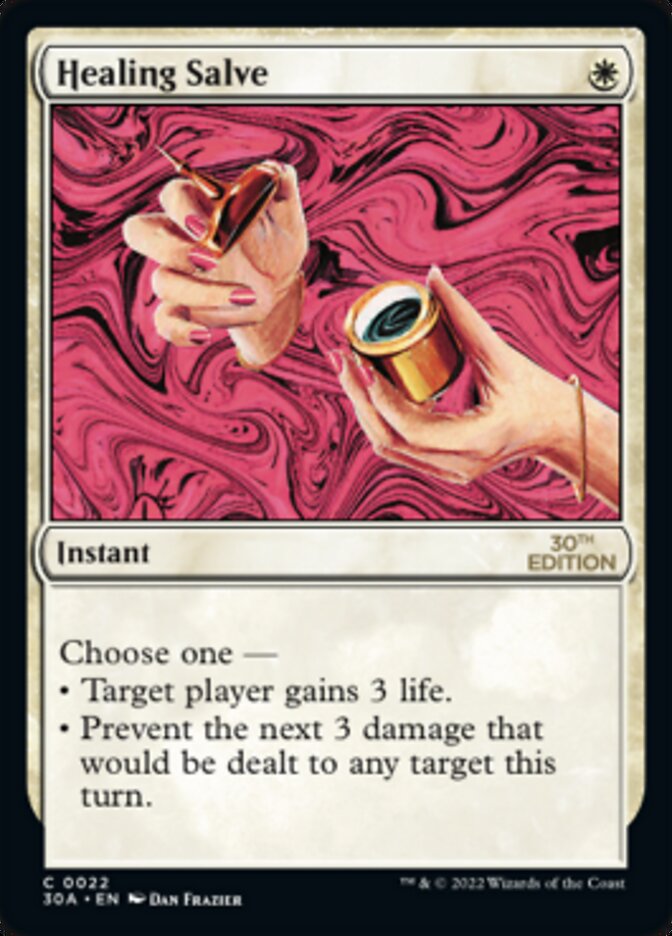
You cast Healing Salve on your Grizzly Bears ("Prevent the next 3 damage that would be dealt to any target this turn"). Your opponent then casts Lightning Strike (3 damage) and afterwards Shock (2 damage) on the Bears. What happens?
Keys A to D or click. No time limit.
Numbered shields count points of damage, not spells: each prevented point reduces the shield by 1. After Strike it is at 0, so Shock gets through. Damage stays marked until the cleanup step. With 5 damage from a single source, 3 would be prevented and 2 would get through.
615.7Some prevention effects generated by the resolution of a spell or ability refer to a specific amount of damage—for example, “Prevent the next 3 damage that would be dealt to any target this turn.” These work like shields. Each 1 damage that would be dealt to the “shielded” permanent or player is prevented. Preventing 1 damage reduces the remaining shield by 1. If damage would be dealt to the shielded permanent or player by two or more applicable sources at the same time, the player or the controller of the permanent chooses which damage the shield prevents. Once the shield has been reduced to 0, any remaining damage is dealt normally. Such effects count only the amount of damage; the number of events or sources dealing it doesn’t matter.
615.1aEffects that use the word “prevent” are prevention effects. Prevention effects use “prevent” to indicate what damage will not be dealt.
120.6Damage marked on a creature remains until the cleanup step, even if that permanent stops being a creature. If the total damage marked on a creature is greater than or equal to its toughness, that creature has been dealt lethal damage and is destroyed as a state-based action (see rule 704). All damage marked on a permanent is removed when it regenerates (see rule 701.19, “Regenerate”) and during the cleanup step (see rule 514.2).
Cards involved

Prevention effects
You cast Fog ("Prevent all combat damage that would be dealt this turn") during your opponent's combat. After combat, in their main phase 2, your opponent casts Lightning Bolt on your Grizzly Bears. Do they survive?
Keys A to D or click. No time limit.
"Combat damage" is a technical term: damage dealt by creatures as attackers or blockers in the combat damage step. Everything else, including damage from creature abilities like Prodigal Sorcerer, is not combat damage. Fog is not used up; it lasts the whole turn, but only for combat damage.
615.1aEffects that use the word “prevent” are prevention effects. Prevention effects use “prevent” to indicate what damage will not be dealt.
510.2Second, all combat damage that’s been assigned is dealt simultaneously. This turn-based action doesn’t use the stack. No player has the chance to cast spells or activate abilities between the time combat damage is assigned and the time it’s dealt.
615.3There are no special restrictions on casting a spell or activating an ability that generates a prevention effect. Such effects last until they’re used up or their duration has expired.
Cards involved
Prevention effects
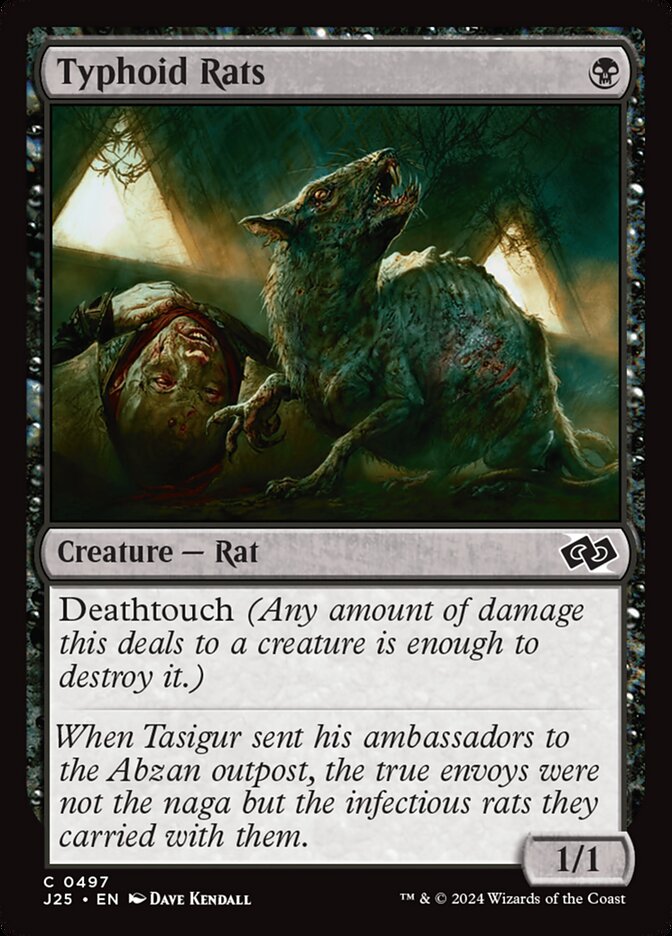
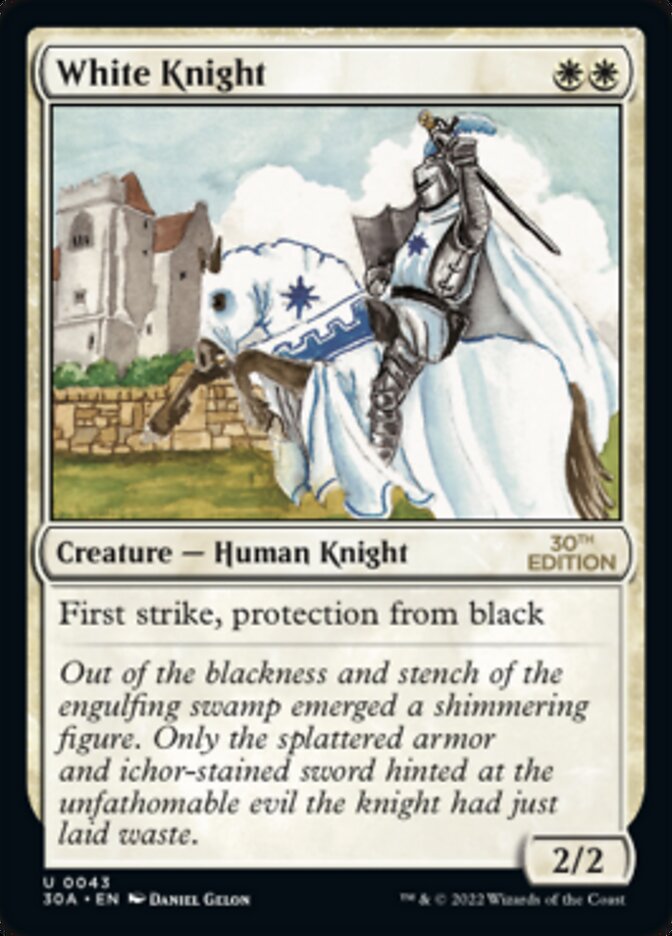
Your opponent attacks with Typhoid Rats (1/1, deathtouch, black). You block with White Knight (2/2, first strike, protection from black). What happens in the combat damage step?
Keys A to D or click. No time limit.
Protection from black means: can't be targeted, enchanted, equipped or blocked by anything black, and damage from black sources is prevented. Deathtouch only works if damage is actually dealt; prevented damage was never dealt. White Knight may block the black creature; protection only forbids being blocked by black creatures.
702.16eAny damage that would be dealt by sources that have the stated quality to a permanent or player with protection is prevented.
702.2bA creature with toughness greater than 0 that’s been dealt damage by a source with deathtouch since the last time state-based actions were checked is destroyed as a state-based action. See rule 704.
702.16fAttacking creatures with protection can’t be blocked by creatures that have the stated quality.
702.7bIf at least one attacking or blocking creature has first strike or double strike (see rule 702.4) as the combat damage step begins, the only creatures that assign combat damage in that step are those with first strike or double strike. After that step, instead of proceeding to the end of combat step, the phase gets a second combat damage step. The only creatures that assign combat damage in that step are the remaining attackers and blockers that had neither first strike nor double strike as the first combat damage step began, as well as the remaining attackers and blockers that currently have double strike. After that step, the phase proceeds to the end of combat step.
Cards involved

Prevention effects
Your opponent controls Furnace of Rath ("If a source would deal damage to a permanent or player, it deals double that damage to that permanent or player instead"). You gave yourself a shield against the next 3 damage with Healing Salve. Your opponent casts Lightning Bolt at you. How much damage do you take?
Keys A to D or click. No time limit.
The affected player, or the controller of the affected permanent, chooses which effect to apply first, no matter who controls the sources. After the prevention there is no damage event left for Furnace to double: a source that would deal 0 damage deals no damage at all. The other way round, with your Furnace and their shield, your opponent chooses.
616.1If two or more replacement and/or prevention effects are attempting to modify the way an event affects an object or player, the affected object’s controller (or its owner if it has no controller) or the affected player chooses one to apply, following the steps listed below. If two or more players have to make these choices at the same time, choices are made in APNAP order (see rule 101.4).
616.1eAny of the applicable replacement and/or prevention effects may be chosen.
614.7aIf a source would deal 0 damage, it does not deal damage at all. Replacement effects that would increase the damage dealt by that source, or would have that source deal that damage to a different object or player, have no event to replace, so they have no effect.
120.8If a source would deal 0 damage, it does not deal damage at all. That means abilities that trigger on damage being dealt won’t trigger. It also means that replacement effects that would increase the damage dealt by that source, or would have that source deal that damage to a different object or player, have no event to replace, so they have no effect.
Cards involved

Prevention effects
Statement
„My Healing Salve shield ("Prevent the next 3 damage that would be dealt to me") also protects me when Blood Artist's ability makes me lose 1 life. "
Pick an answer — then move on.
Prevention effects only apply to damage. "Loses life" is not damage but direct loss of life. Damage usually leads to loss of life, but not the other way round. The shield stays untouched at 3. The same applies to life you pay as a cost.
615.1Some continuous effects are prevention effects. Like replacement effects (see rule 614), prevention effects apply continuously as events happen—they aren’t locked in ahead of time. Such effects watch for a damage event that would happen and completely or partially prevent the damage that would be dealt. They act like “shields” around whatever they’re affecting.
615.1aEffects that use the word “prevent” are prevention effects. Prevention effects use “prevent” to indicate what damage will not be dealt.
119.3If an effect causes a player to gain life or lose life, that player’s life total is adjusted accordingly.
120.3Damage may have one or more of the following results, depending on whether the recipient of the damage is a player or permanent, the characteristics of the damage’s source, and the characteristics of the damage’s recipient (if it’s a permanent).
119.4If a cost or effect allows a player to pay an amount of life greater than 0, the player may do so only if their life total is greater than or equal to the amount of the payment. If a player pays life, the payment is subtracted from their life total; in other words, the player loses that much life.